

Flipping Images
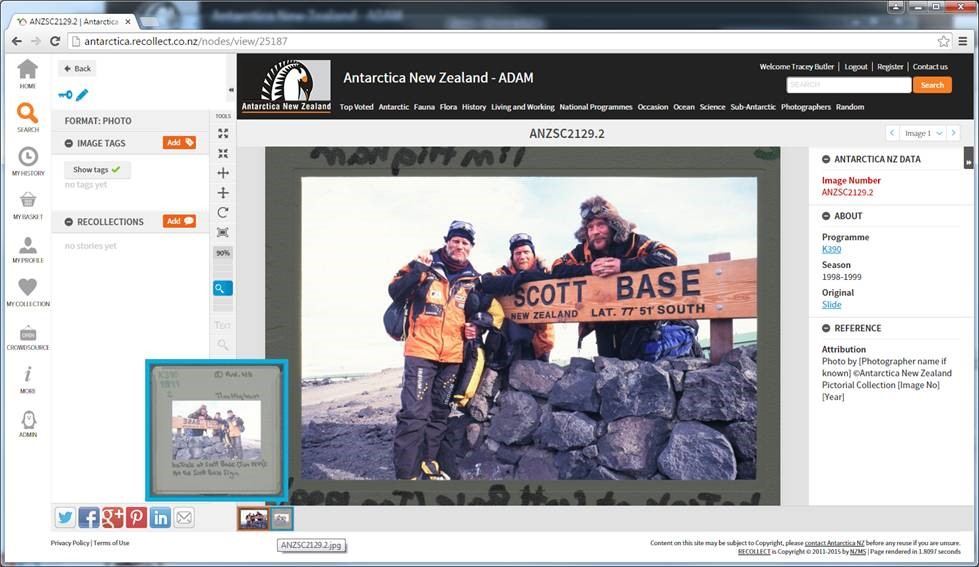
Chris has built you a tool to flip the images. With the slides you'll want to keep the jpg with the metadata 'right reading' tho. So
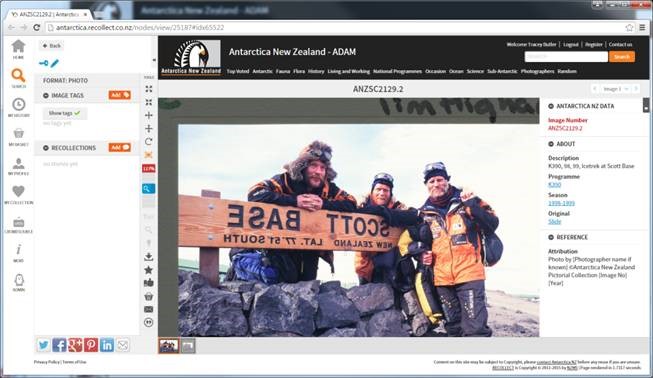
1: Go to your node, and click your edit button:
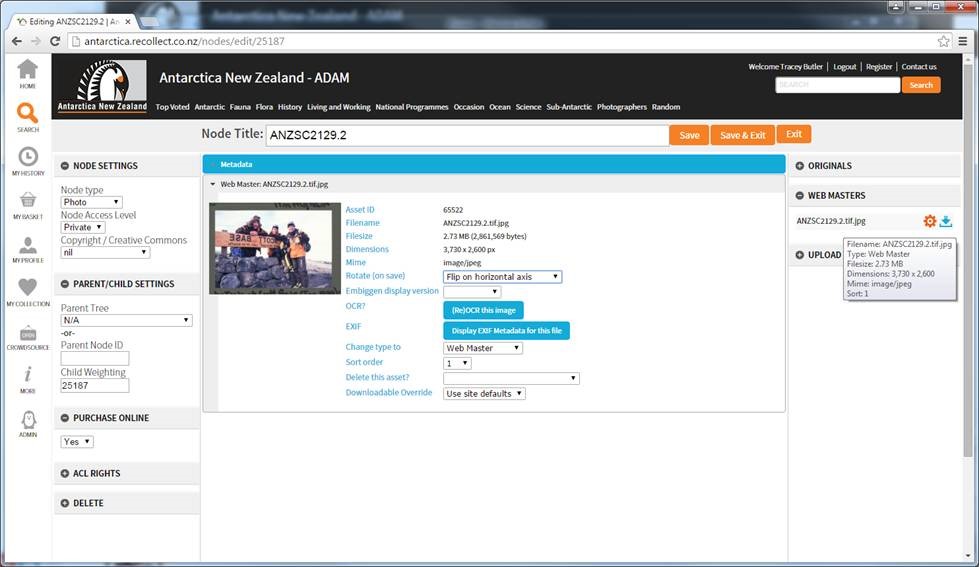
Click on your webmaster, then use the 'rotate on save' drop down and select 'flip on horizontal axis'
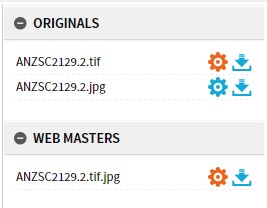
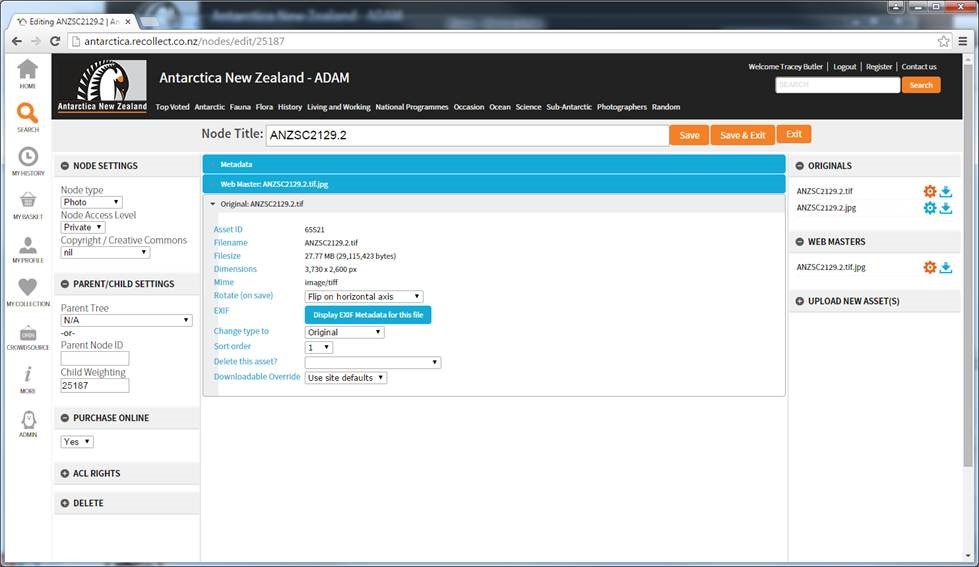
Click on originals, and select the .TIF file (not the .jpg - that's the one used to extract the metadata) - and select horizontal flip.
Click your 'Save and exit' button - and then control+R to refresh your screen. Voila! Your cropped image should now be the right way round, and your uncropped slide should still have the metadata right reading.
Your negatives won't have the extra 'original' so you'll only flip the original and the web master.